
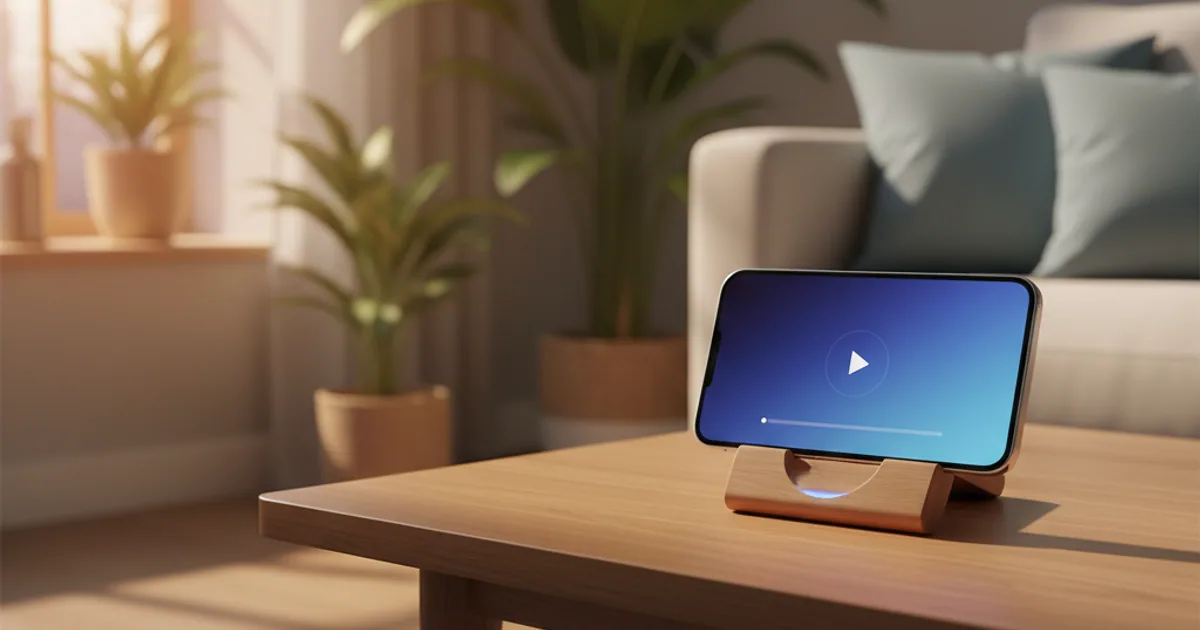
The next video plays itself because autoplay is on by default, and a default is one of the most powerful nudges in any product. When a video ends, a short countdown begins and the next recommended video starts on its own unless you cancel it. That single design choice quietly removes the moment where you would have decided whether to keep watching.
The power of a default
Here is a plain fact about how people use software: most of us almost never change the default settings. Whatever a toggle starts on is what the overwhelming majority will live with, often forever.
Designers know this. It means the choice of what a setting starts on is not a neutral technical detail; it is a decision about what most people will actually experience. When autoplay is set to on by default, the practical result is that most viewers, most of the time, will have the next video start automatically, simply because they never went looking for the switch.
So the question "why does the next video play itself?" has a short answer: because someone chose for it to, for everyone, by default.
What the countdown really does
When a video ends with autoplay on, you usually see a brief countdown before the next one begins. It looks like a small courtesy, a window to cancel.
But look at what it changes. Without autoplay, a video ends and nothing happens; if you want more, you have to choose the next thing. With autoplay, the next thing has already been chosen and is about to start; if you want to stop, you have to act.
That is the whole trick. It flips the default action from stop to continue. Continuing now costs nothing, while stopping costs a small deliberate effort. Over an evening, that tiny asymmetry decides a lot of "should I keep going" moments without you ever consciously deciding.
Why this is a designed-in nudge, not an accident
A nudge is any small feature of a choice that pushes you toward one option without forcing it. Autoplay is a clean example: you are still free to stop, but the design makes continuing the easy, automatic path and stopping the effortful one.
None of this requires anything sneaky or hidden. The countdown is right there on screen. That is part of why it works so well, and part of why it is fair to call it designed rather than accidental: it is a visible, deliberate feature whose effect is to keep the session going.
The recommendation engine makes it stronger, because the video that auto-starts is not random. It is the one your watch history suggests you are most likely to stay for. We cover how that aiming works in recommendations and the rabbit hole.
How this hooks into your habits
There is a simple loop behind a lot of automatic behavior: a cue triggers a routine, which delivers a reward, which makes the loop more likely next time. Autoplay slots neatly into that loop. The end of a video is the cue; the next video starting is the routine, made automatic for you; the bit of novelty or interest is the reward.
By removing the pause between videos, autoplay strips out the one moment where you might have broken the loop. We unpack that loop and how to interrupt it in habit loops: cue, routine, reward. The short version: the most reliable place to break a habit is at the cue, and autoplay is specifically designed to rush you past it.
The good news
Because so much of this rides on one default, flipping that default does a lot.
Turn autoplay off, and the behavior changes shape entirely. A video ends, and it stops. Nothing starts on its own. The countdown is gone. The decision to watch more comes back to you, made deliberately, the way it would be if you were picking a book off a shelf instead of being handed the next one.
This is one of the single highest-value changes you can make, precisely because it undoes the most powerful nudge. We walk through exactly where the toggle lives and what else to pair it with in YouTube settings to tame autoplay. And for how this fits with Shorts and the rest of the system, start at how Shorts and autoplay work.

Comments 0
No comments yet. Be the first to share your thoughts.